How It Works
The screenshots you take to remember something turn into reminders and next steps.
Why I Built It
I take screenshots for all kinds of reasons. Sometimes it's something I want to do, like a show or a restaurant someone posted. Sometimes it's just an interesting idea that seems worth capturing. Either way, I'd forget about them almost as soon as I took them. That's where Saved For came from.
The apps I found were about managing a photo library, and I didn't want another app to keep up with. I wanted something that works in the background and brings things back on its own.
Feed, Map, Calendar, Groups
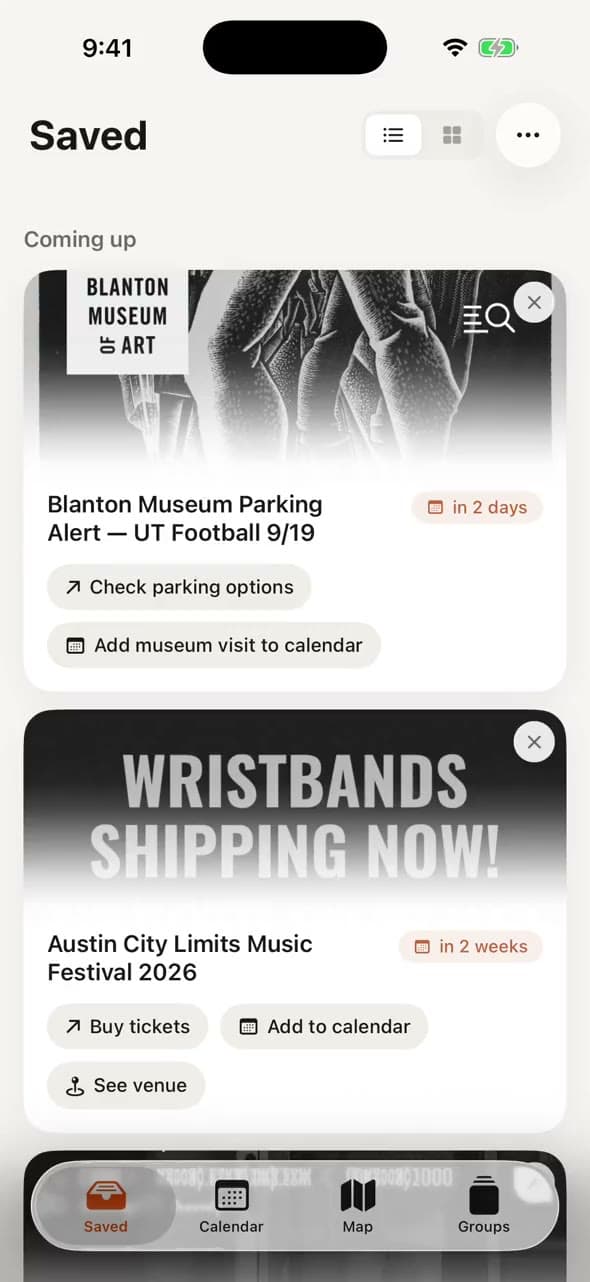
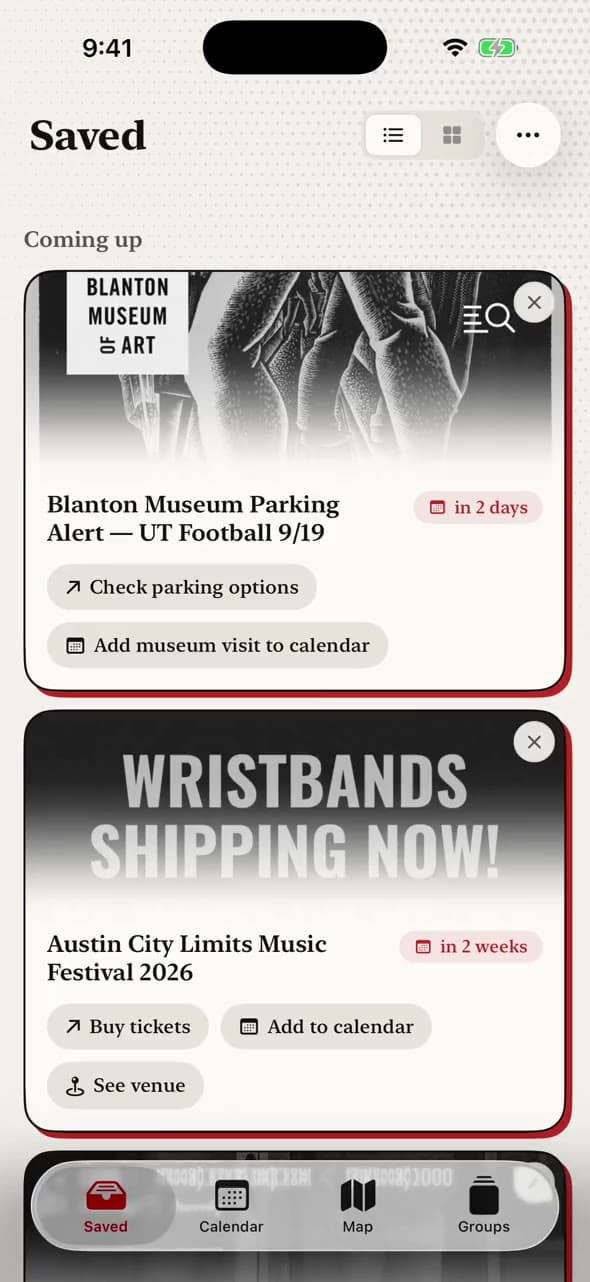
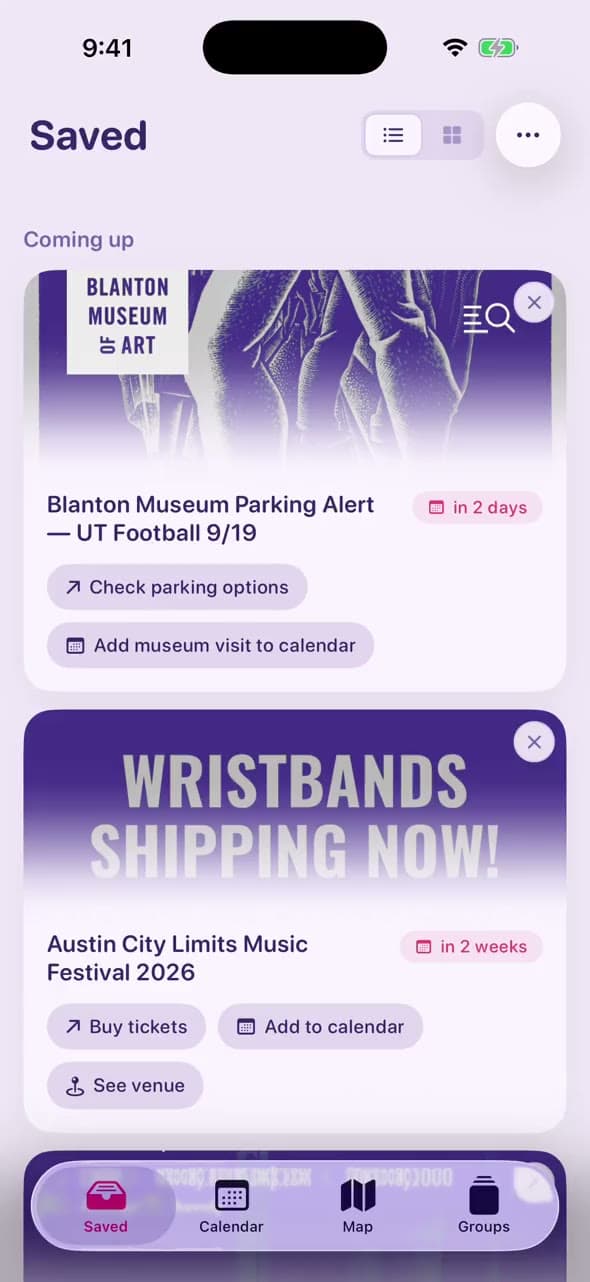
Everything lands in one feed. The first version was a photo grid, but a screenshot holds more than its image, so the feed became cards. Anything with a place shows up on the map, anything with a date on the calendar, and similar saves gather into groups on their own.
Six Themes
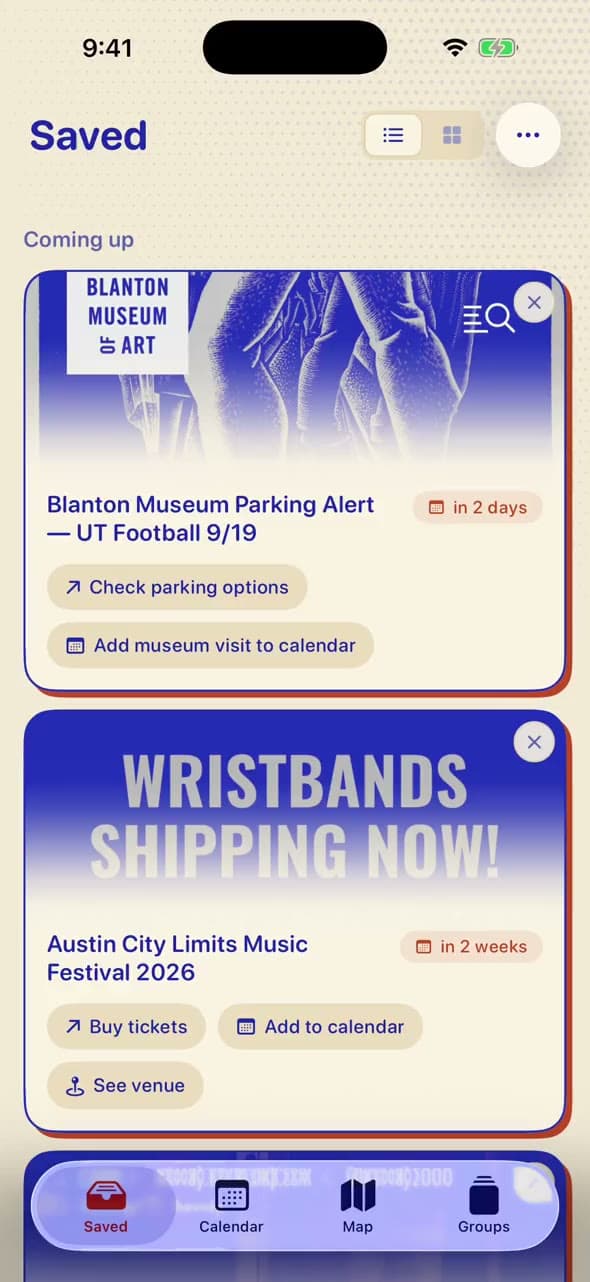
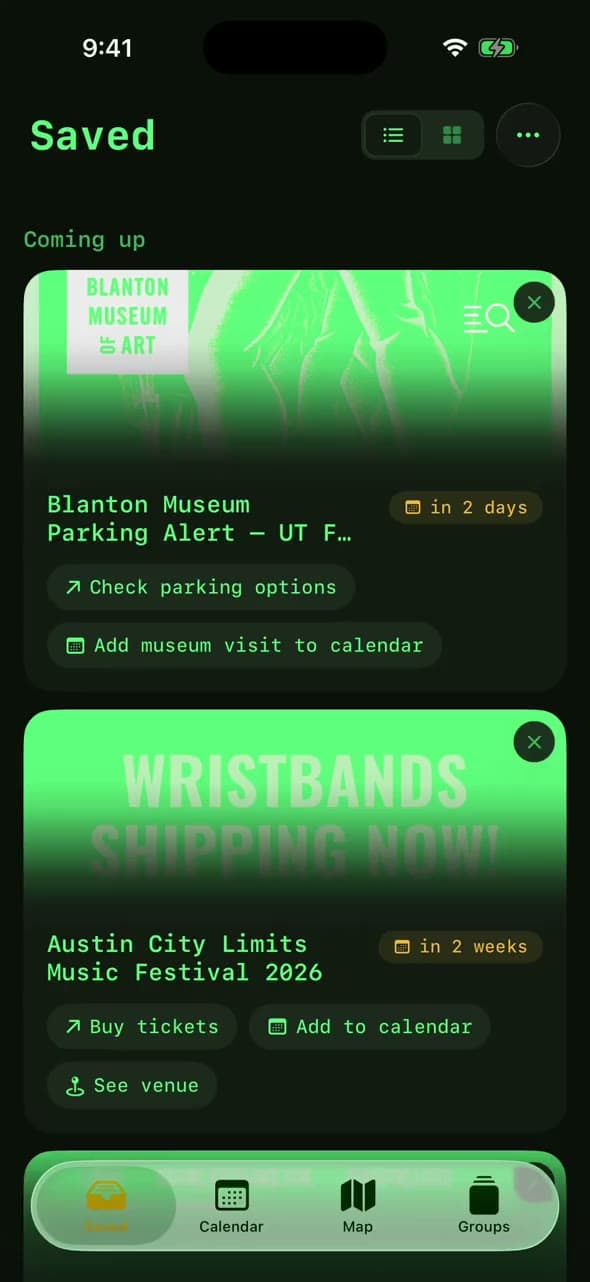
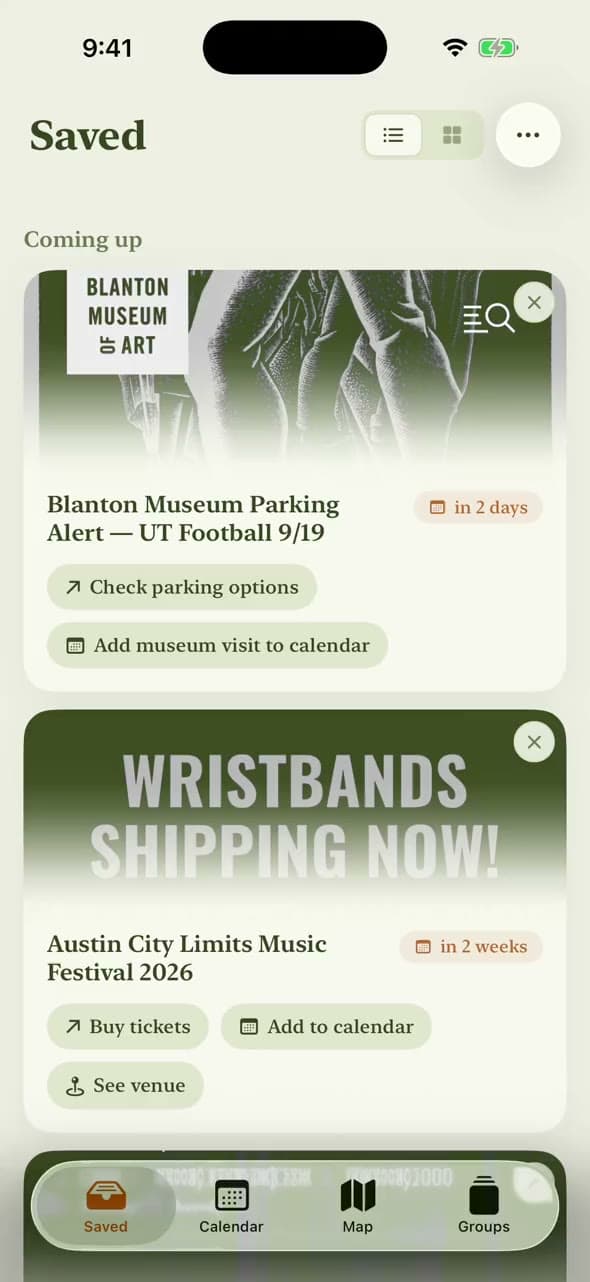
I think software should be playful, so I made Saved For customizable. Pick one of six themes in Settings and every screen changes with it, in light and dark mode.
Interactions
The interactions were some of my favorite parts to design. I wanted the app to feel good under your fingers: gestures that follow you as you move, and a small haptic tick when something locks in.
The Onboarding
I had a lot of fun with onboarding. Each step plays its own short claymation video, and the two permission steps show a clay version of the prompt iOS is about to put in front of you.
Under the Hood
- PhonePhotoKitFinds new screenshots, even from the background.
- PhoneVision OCRReads the text and labels the image. The image never leaves.
- CloudKimi K2.6Gets only the words. Works out what it is and what to do.
- PhoneSwiftDataKeeps every reading on the phone, no server of my own.
- PhoneSwiftUIThe feed, map, calendar and all six themes.
- UserNotificationsReminders
- EventKitAdd to calendar
- MapKitThe map and directions
- CloudKitIn-app feedback
- PostHogUsage analytics
Feedback and Analytics
I use it every week, and friends and family test it through TestFlight. When it reads something wrong, here's how I find out.